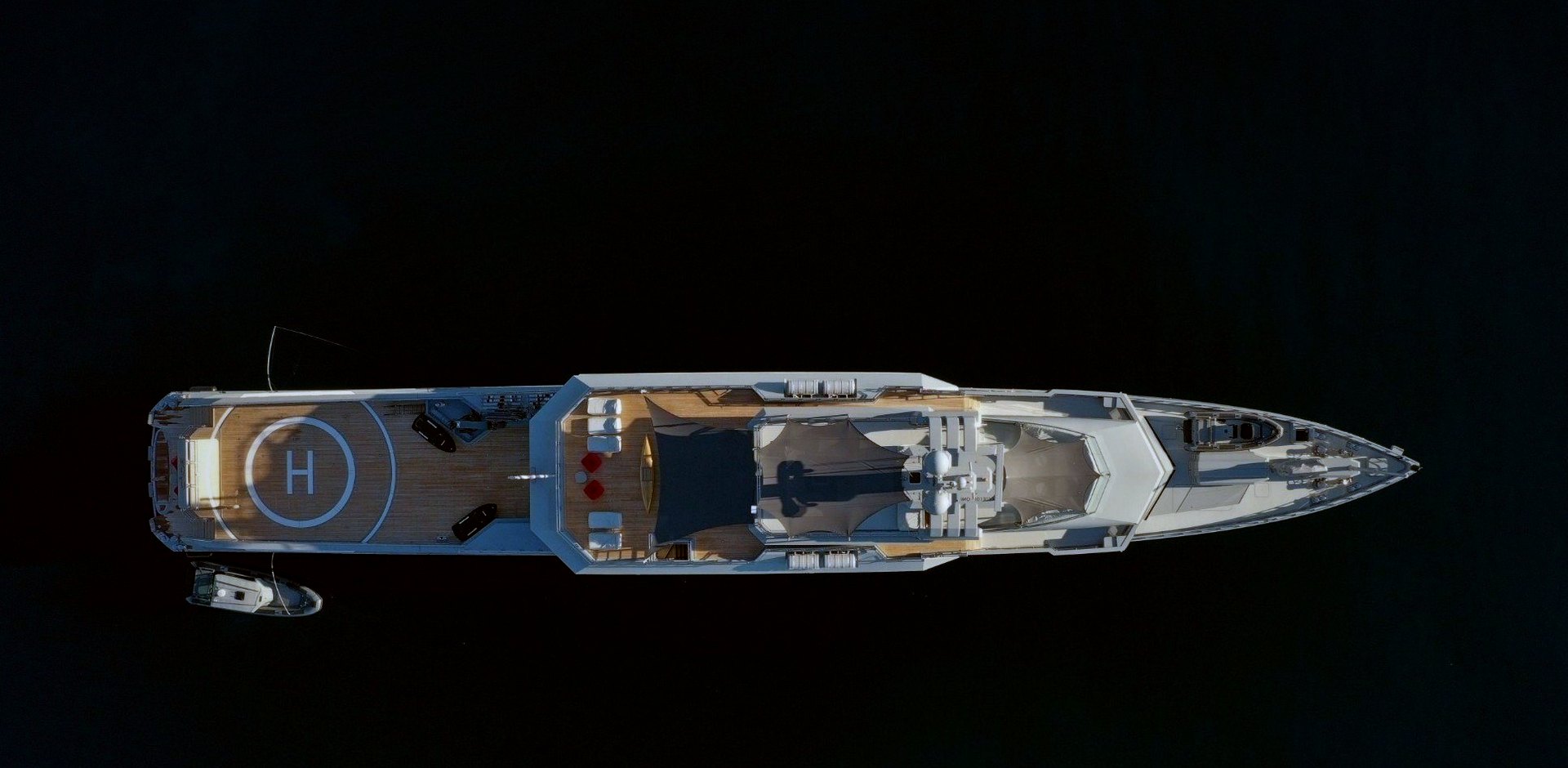
UltraOne mDNS Gateway
Devices find each other across separated networks, and nothing else crosses.
From deck plan to the right Apple TV, in five steps
-
01IT or ETO
Groups access points into areas
Picks the access points on the deck plan and names each area: aft deck, sky lounge, owner's suite, crew forward.
Areas, not IP addresses -
02IT or ETO
Places each Apple TV
Chooses each Apple TV from the list the controller has already found and profiled, and drops it into its area.
Found, not typed in -
03IT or ETO
Chooses who sees each screen
Sets visibility by user group, user role or device type: guests in that area, the owner from anywhere, or one screen for one named device.
Plain rules, no syntax -
04Controller
Applies it to the 9800
Changes are written to the Cisco 9800 policy profiles. As a guest walks between areas, roaming moves their phone to the new area's view.
Follows the guest round the yacht -
05Check
Previews any device's AirPlay list
Pick a phone or iPad and see exactly which Apple TVs it will see, before and after a change. Every change is logged.
See it as the guest sees it
Each licence is priced on the size of your vessel. Tell us about her and we will send a written quotation before you buy.
Every licence includes
- Use of the software on one vessel for 12 months
- Remote installation and configuration
- All updates during the licence
- Telephone and email support
Terms of purchase
- Prices exclude VAT, which is added at checkout where it applies
- Licences renew yearly and can be cancelled before renewal
- Full refund within 14 days of purchase, see our Refund Policy
- Payments are handled by Paddle.com, our Merchant of Record